Key takeaways
- QR codes encode ticket data; fraud control comes from unique IDs and one-time redemption.
- Form plus UPI workflows are cheap but require manual payment verification and reconciliation.
- Ticketing platforms and all-in-one apps reduce operational work when payment, order, and check-in records are connected.
- Check-in speed depends on queue design, staff training, scanner clarity, and exception handling.
- Collect only the attendee data needed for the event and plan export, access, and deletion policies.
What is the best QR code ticketing system for events?
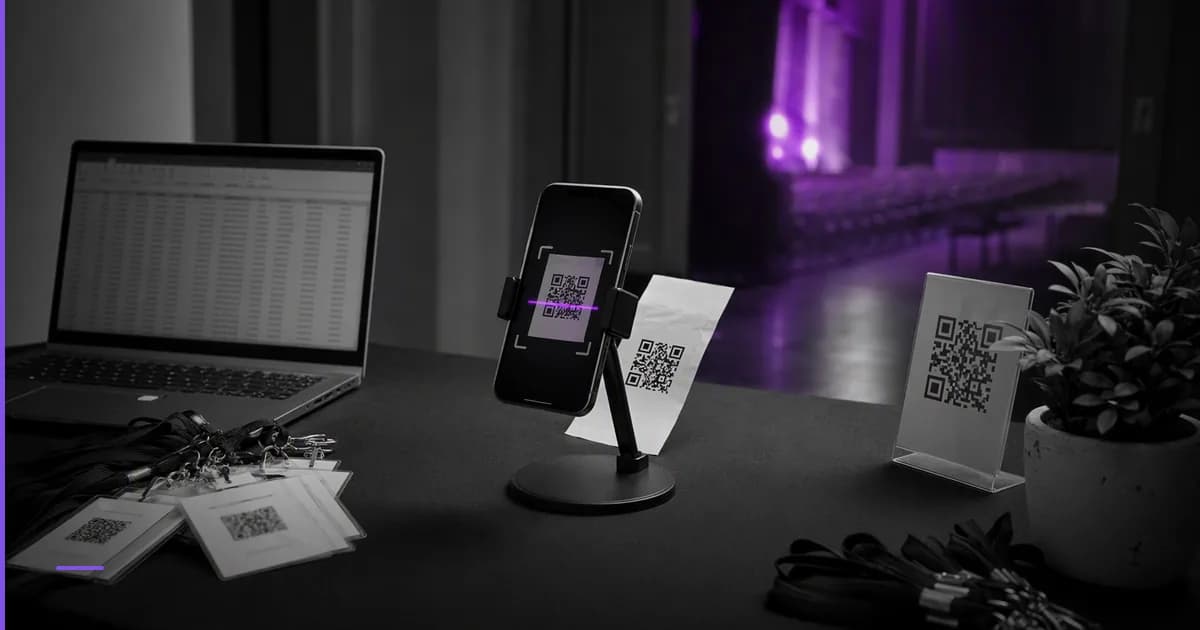
The best QR code ticketing system for events in India depends on how you collect payments, prevent duplicate entry, manage walk-ins, and scan at the gate. A 40-seat workshop can work with forms and manual QR passes; a college fest, concert, flea market, or paid community event needs automated ticket issue, UPI reconciliation, and controlled QR redemption.
Do not choose only by ticket creation. The real test is what happens when 300 people arrive in a 20-minute window, two attendees show the same screenshot, the network drops near the entrance, and your finance volunteer asks which UPI payments map to which ticket buyers. If you are planning a larger campus event, pair this article with our India-specific guide on how to organize a college fest step by step.
The four practical options in India
| Option | Best fit | Payment handling | QR control | Main trade-off |
|---|---|---|---|---|
| Manual QR passes | Free or invite-only events, closed workshops, small guest lists | Usually handled separately or not needed | Depends on how you generate and mark entries | Low cost, but high manual effort at scale |
| Form plus UPI workflow | Small paid workshops, community meetups, club events | Attendee pays by UPI and submits proof in a form | QR can be emailed after manual verification | Cheap to start, but reconciliation and fraud checks are manual |
| Ticketing platform | Public paid events that need online booking and discovery | Usually platform-led online payment and payout flow | Platform scanner or check-in dashboard | Faster launch, but compare fees, data export, support, and branding |
| All-in-one event app | Organizers who want booking, payments, QR entry, and attendee experience in one place | Built into the event flow, often with UPI support in India | QR ticketing tied to order and check-in status | Best when you want one operating system, but evaluate launch geography and roadmap |
QR ticket: a ticket where the QR code carries an identifier that maps to an order, attendee, or pass in your system.
Check-in redemption: the moment a valid ticket is marked as used so the same QR cannot be accepted again.
Manual QR passes are not wrong. They are sensible for sponsor lists, speaker entries, internal college department passes, or a curated workshop where the organiser knows most attendees. They fail when payment confirmation, attendee identity, and entry status live in different files.
Ticketing platforms reduce operational work because ticket purchase, confirmation, and check-in are usually connected. Before choosing one, compare the total economics separately from feature claims; our companion article on event ticketing platform fees in India gives a checklist for fee categories to ask about without assuming one pricing model fits all events.
All-in-one apps are useful when ticketing is only one part of the experience: event discovery, UPI payments, QR entry, updates, and organiser workflows. MakeMySquad, launching soon from Zettaura, is being built as an event booking and live-experiences platform with QR ticketing and UPI payments, starting in Coimbatore.
How should payments work: UPI first, cards, cash, or offline?
For Indian events, UPI is usually the first payment method to design around because it is familiar to attendees and works well for small-ticket transactions. The UPI product overview from NPCI is the authoritative place to understand UPI as a payments system, while settlement, dispute, and compliance details should be checked with your payment provider and the Reserve Bank of India.
A QR ticketing workflow should connect three records: the payment, the order, and the check-in status. If payment is collected through a separate UPI QR code and the attendee uploads a screenshot, someone must verify whether the payment arrived, whether the amount is correct, and whether the sender name matches the form response. That is workable for small groups but fragile when orders arrive close to showtime.
Ask these questions before selecting a system:
- Can one order contain multiple tickets, such as four college fest passes bought by one student?
- Can the organiser see paid, pending, cancelled, refunded, and complimentary tickets separately?
- How are partial refunds, date changes, and duplicate payments handled?
- Can walk-in UPI payments be converted into QR tickets at the counter?
- Can finance export a clean report that matches bank or payment gateway records?
Cash is still common at venue counters, especially for college events and local workshops. If you allow it, generate the QR ticket immediately after collection and mark the payment mode clearly. Never let a cash counter issue handwritten entry slips if your gate team is scanning QR codes; that creates two sources of truth.
How much fraud prevention do you really need?
QR codes are not security by themselves. The QR standard, described by ISO/IEC 18004, defines how information is encoded visually; it does not decide whether the person holding the code is the rightful attendee.
Static QR pass: the same QR image can be forwarded, copied, printed, and reused unless a gate volunteer manually tracks usage.
Server-validated QR ticket: the scanner checks the ticket against a live record and marks it as used, cancelled, expired, or not found.
The minimum fraud control for a paid event is unique QR per ticket plus one-time redemption. Once scanned, the ticket should not be accepted again without supervisor override. The scanner should also show enough context to help the gate team: ticket type, attendee name if collected, order status, and whether the pass belongs to the correct day or session.
For small events, you may not need identity checks at every entry point. For high-value events, limited-capacity workshops, VIP areas, or multi-day passes, add at least one secondary signal: mobile number, email, student ID, order name, or wristband mapping. Keep the check short; the purpose is to stop obvious misuse, not to slow down every valid attendee.
Screenshots are unavoidable. Instead of banning them, design for them. A screenshot should work only until its underlying ticket is redeemed; after that, any copied image must show as already used. If the venue has weak data connectivity, test whether the scanning app supports a safe offline mode and how it syncs conflicts when the network returns.
What check-in speed depends on at the venue
Check-in speed is not only a software feature. It depends on queue design, scanner readiness, staff training, ticket categories, and whether payment disputes are sent away from the main gate.
Use this gate plan for medium and large events:
- Separate pre-paid QR holders, cash or UPI walk-ins, VIP or sponsor passes, and problem cases.
- Put the brightest signage before the queue, not at the scanner desk.
- Ask attendees to open tickets before they reach the scanner.
- Give each scanner volunteer the same device setup, charger, data backup, and escalation contact.
- Keep a supervisor lane for already used, not found, wrong date, and refund disputes.
A common failure is letting payment verification happen inside the entry queue. If an attendee says they paid by UPI but did not receive a ticket, move them to a help desk. The gate scanner should decide only whether a presented QR is valid for entry.
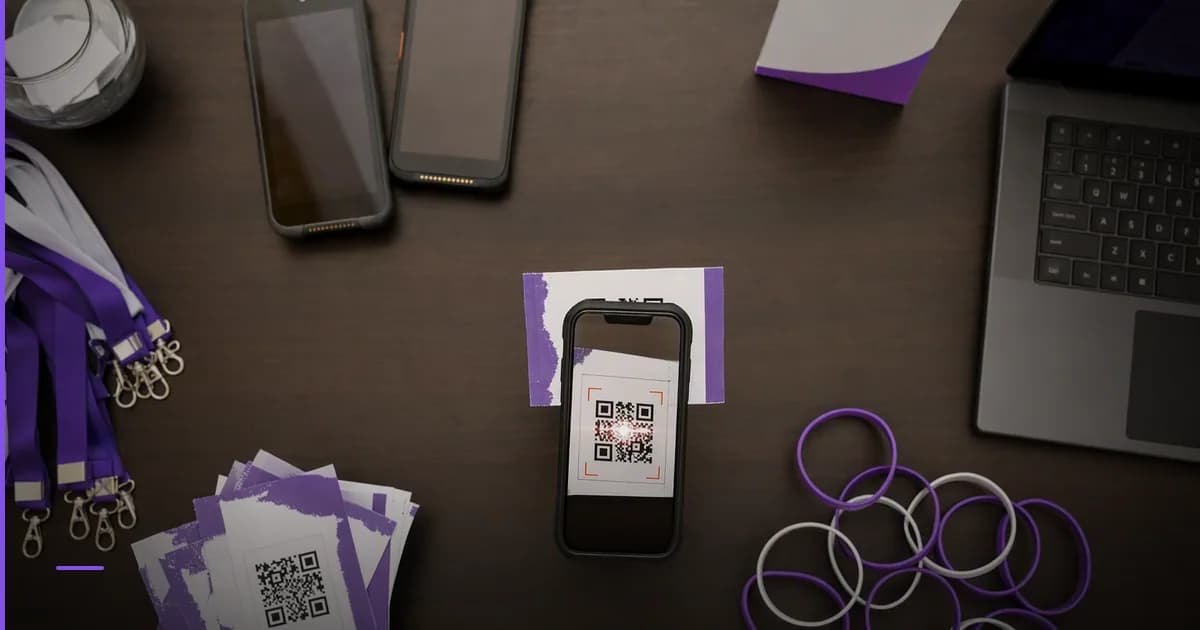
Run a rehearsal with the same phones, scanners, volunteers, and venue entrance you will use on event day. Test cracked screens, low brightness, printed passes, poor network, duplicate screenshots, and last-minute ticket purchases. If your scanner cannot distinguish valid, already used, cancelled, and wrong-event tickets clearly, the queue will turn into manual judgement calls.
For organisers building repeated event operations, the ticketing choice should fit the broader product stack, not just one show. Zettaura builds focused AI products for everyday workflows; you can see the wider product direction on our products page.
Data, consent, and organiser operations
A ticketing system holds personal data: names, phone numbers, email addresses, payment references, attendance status, and sometimes college, company, or age category. Collect only the fields needed for the event, and make the purpose clear at signup.
India's data protection environment is changing under the Digital Personal Data Protection Act. For the legal text, use official sources such as the India Code portal and policy updates from the Ministry of Electronics and Information Technology. For an operational startup checklist, see our guide on the DPDP Act compliance checklist for startups in India.
Before you choose a QR ticketing option, ask what happens to your event data after the event:
- Can you export attendee, order, payment, and check-in data separately?
- Can role access be limited so gate volunteers cannot download the full attendee list?
- Can you delete test data and old event data when no longer needed?
- Can you send event updates without exposing attendee contact details to volunteers?
- Does the system preserve an audit trail for manual overrides and complimentary tickets?
Event organising also creates agreements: venue terms, artist contracts, sponsor commitments, vendor invoices, permissions, and refund policies. Zettaura's live product ZiaSign focuses on AI contract intelligence and eSignature workflows, which is separate from ticketing but relevant when your event operations move from informal coordination to documented approvals.
If you are comparing tools for a recurring event series, document your own operating rules: refund cut-off, transfer policy, complimentary pass approval, gate override authority, and data deletion window. Software cannot compensate for undefined policy.
Where this leaves you
Choose the simplest QR code ticketing system that protects payment records and gate control for your expected crowd. Manual QR passes are enough for controlled lists; form plus UPI works for small paid events; ticketing platforms suit public events that need fast launch; all-in-one apps fit organisers who want booking, UPI payments, QR entry, and attendee workflows in one place.
Your next step is to map one event from purchase to entry: how the attendee pays, how the ticket is issued, how the QR is redeemed, how exceptions are handled, and how finance reconciles the event. If you are planning live experiences in Coimbatore and want to follow MakeMySquad as it launches, visit the MakeMySquad product page or contact Zettaura.
Frequently asked questions
Can I use Google Forms and UPI for event ticketing?
Yes, it can work for small events where the team can manually verify payments and issue passes. It becomes risky when many attendees pay close to the event, screenshots are incomplete, or multiple volunteers edit separate spreadsheets.
Is a QR code ticket secure against screenshots?
A QR image alone is not secure because it can be copied or forwarded. Security comes from unique ticket IDs, server-side validation, and one-time redemption at check-in.
What should Indian organisers check before choosing a ticketing platform?
Check payment methods, UPI support, refund handling, payout reporting, QR check-in flow, data export, support availability, and fee structure. Also test the scanner under the actual venue conditions before event day.
When should I move from manual passes to a ticketing app?
Move when payment reconciliation, duplicate entry prevention, or gate queues start consuming volunteer time. A ticketing app is usually worth evaluating once you have paid registrations, multiple ticket types, walk-ins, or repeated events.
MakeMySquad is launching soon. Learn more about MakeMySquad or explore the full Zettaura portfolio.